Description
- Battery Included: Yes
- High-concerned chemical: None
- Feature: Play Video
- Brand Name: tuya(安全防护)
- Origin: Mainland China
- Certification: CE,weee
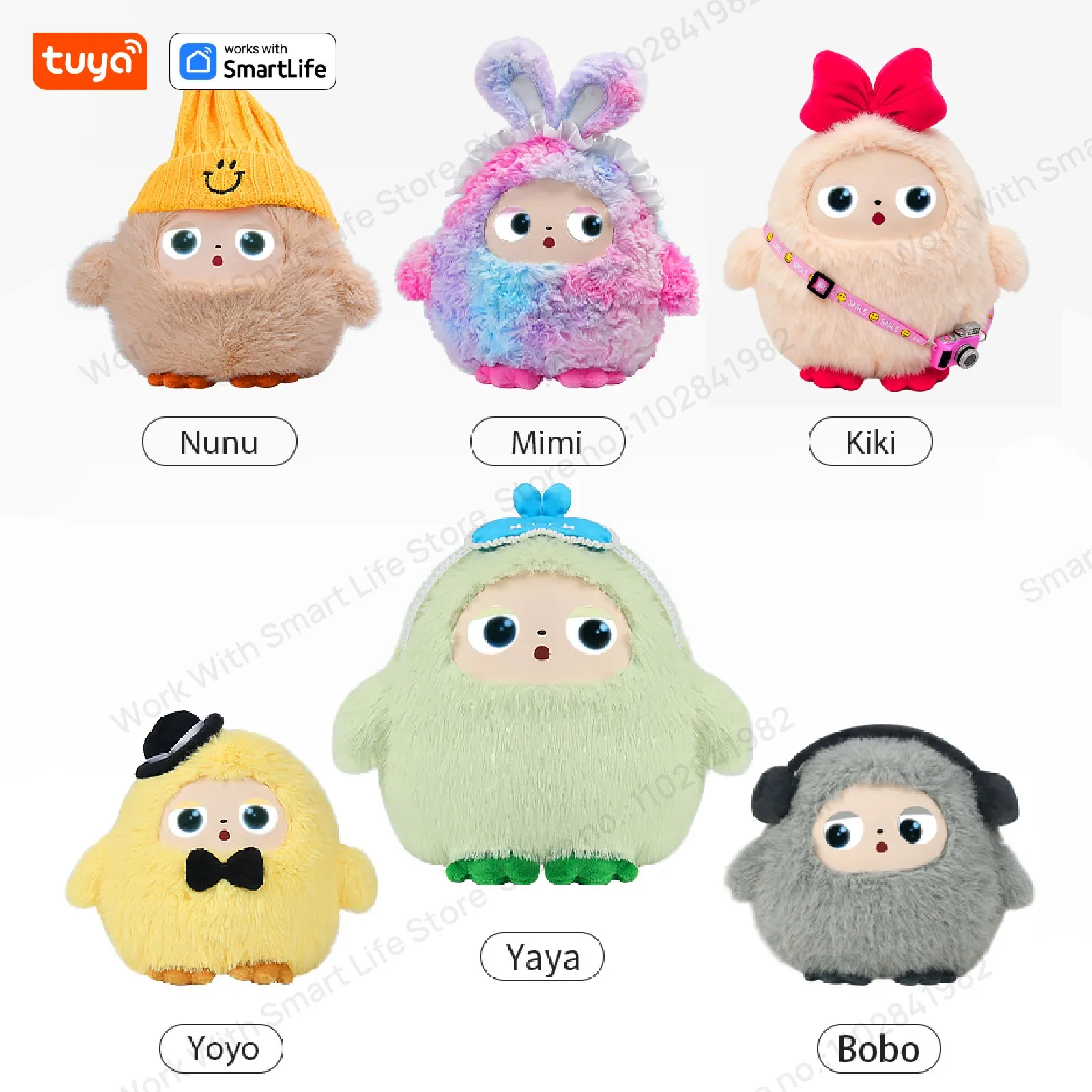
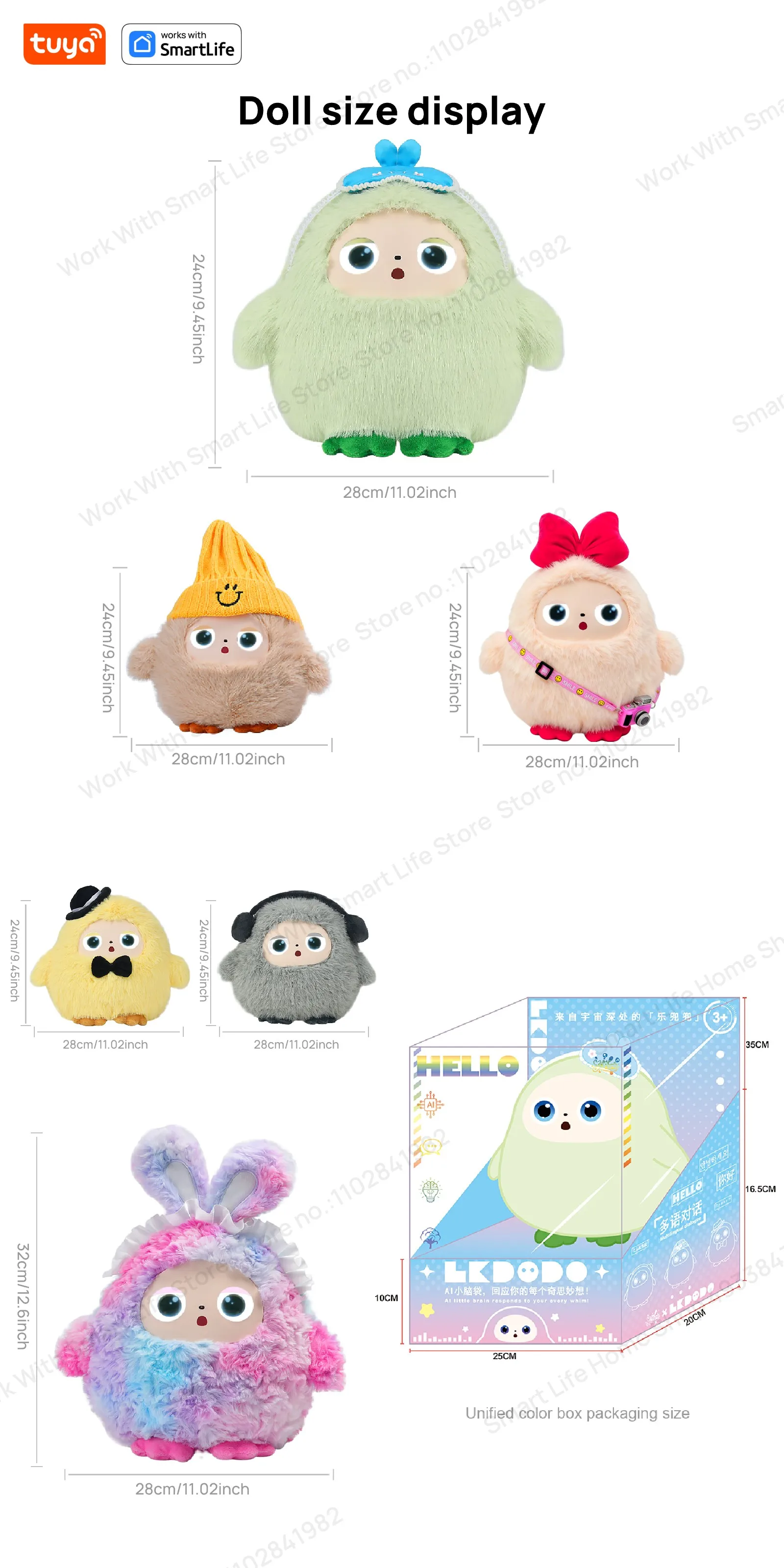
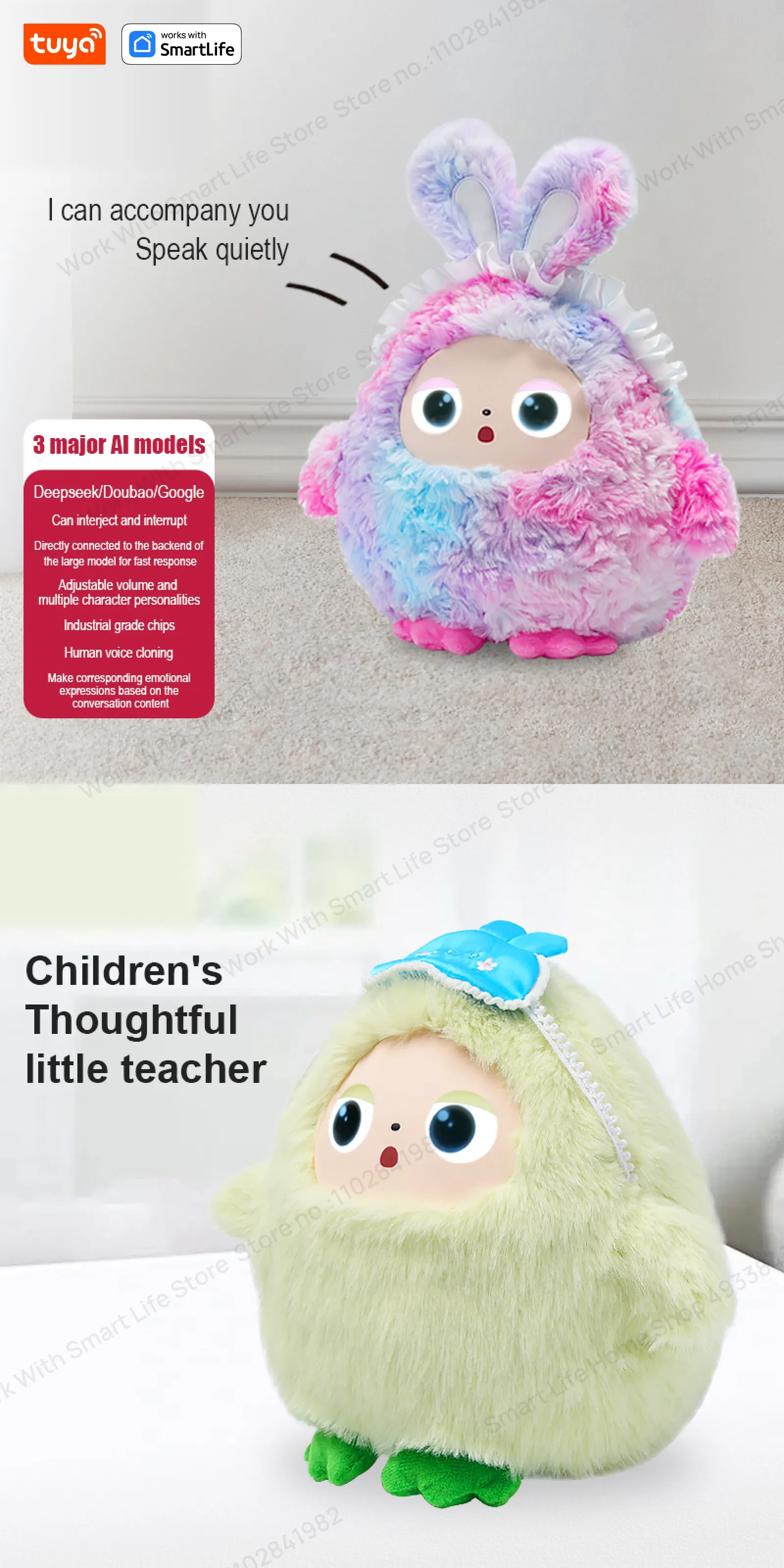
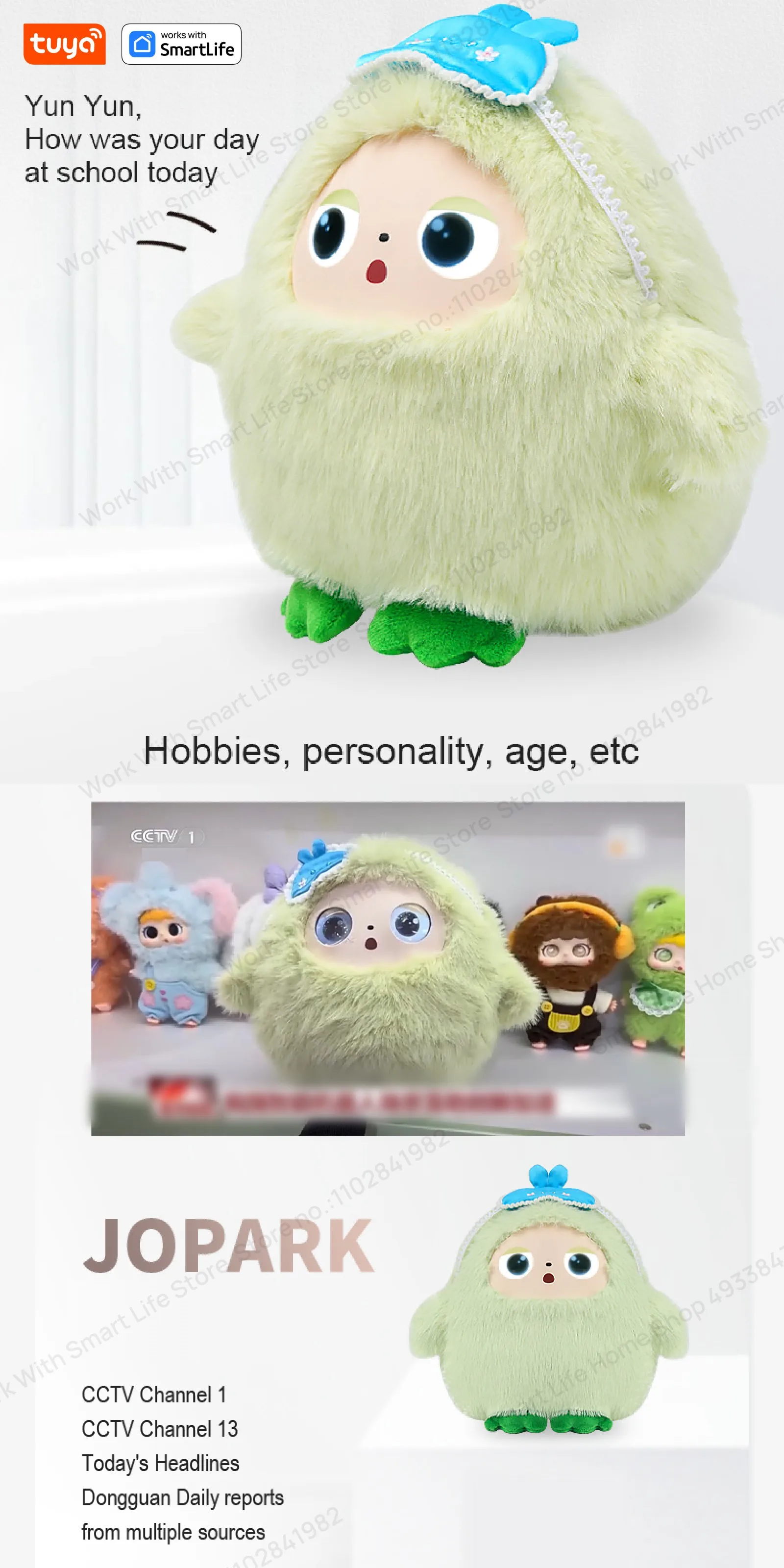
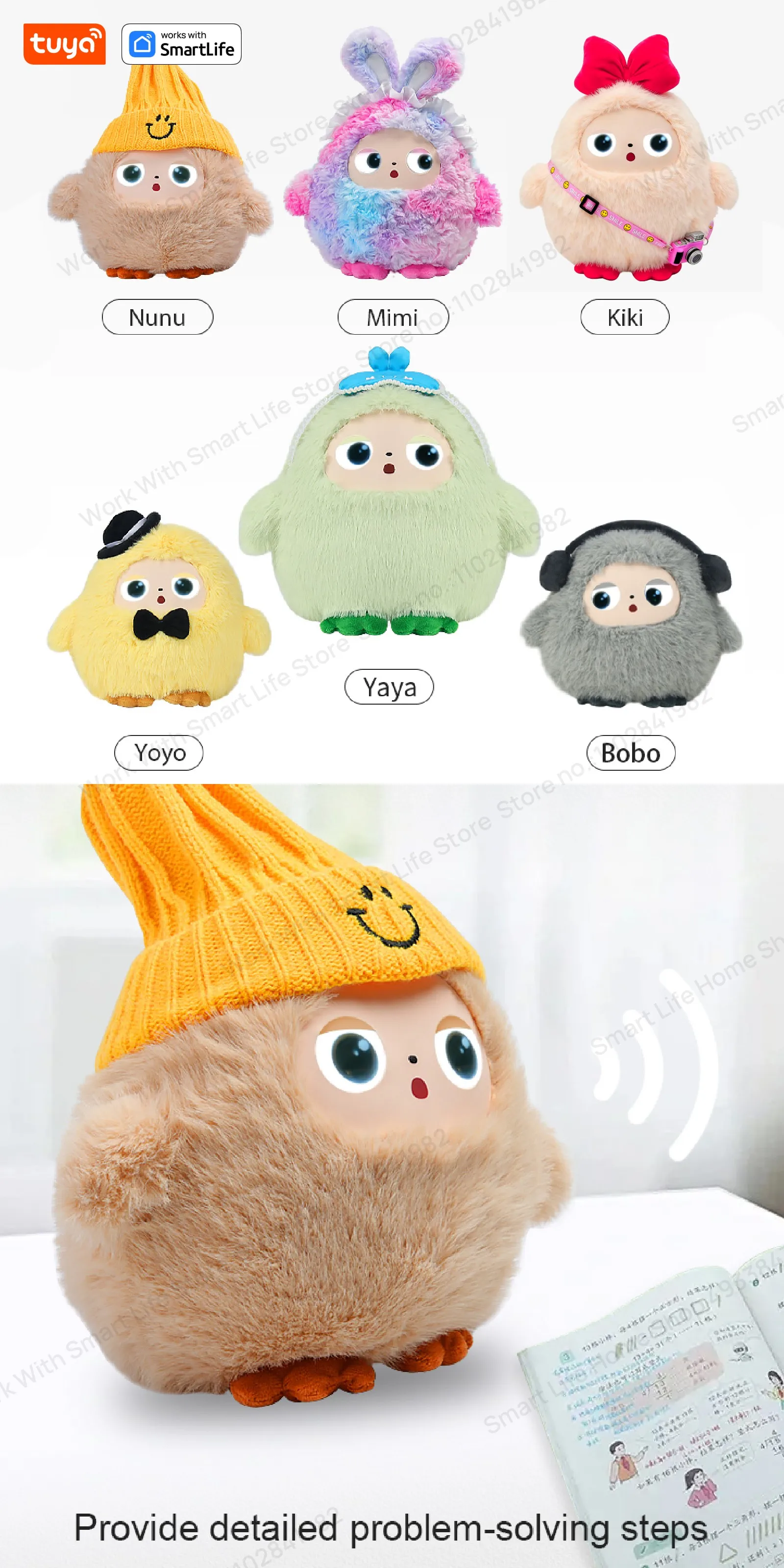
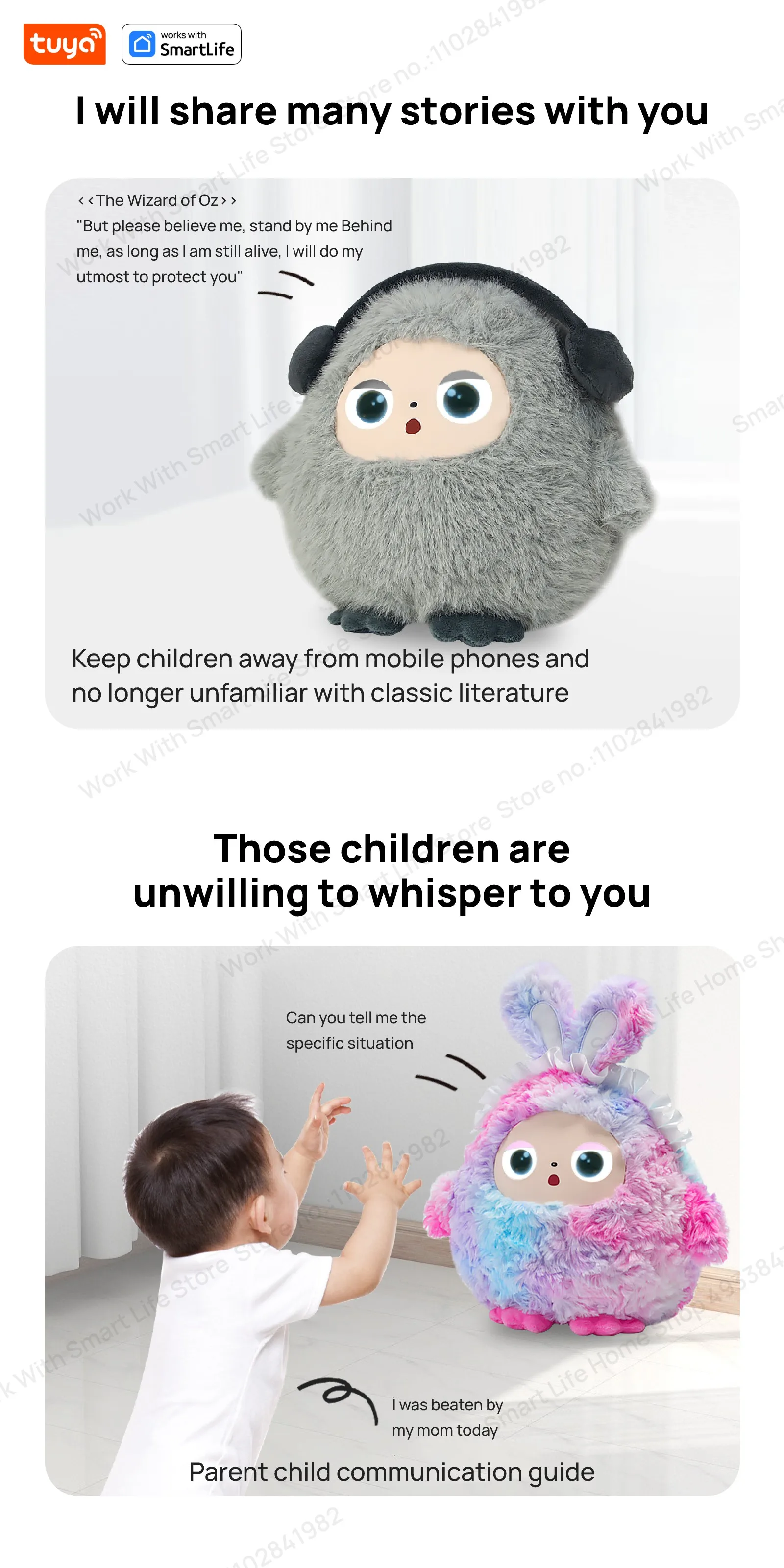
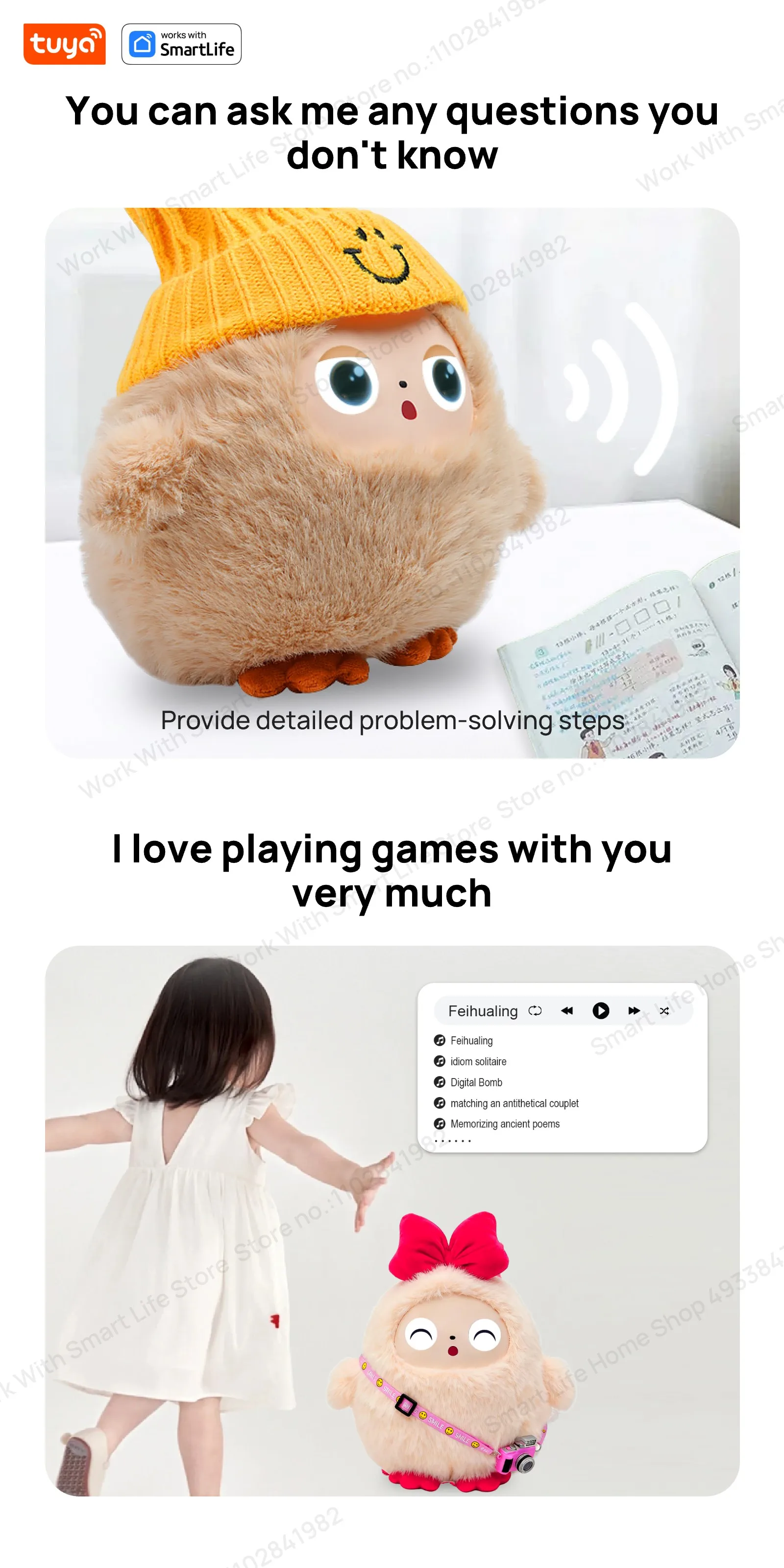
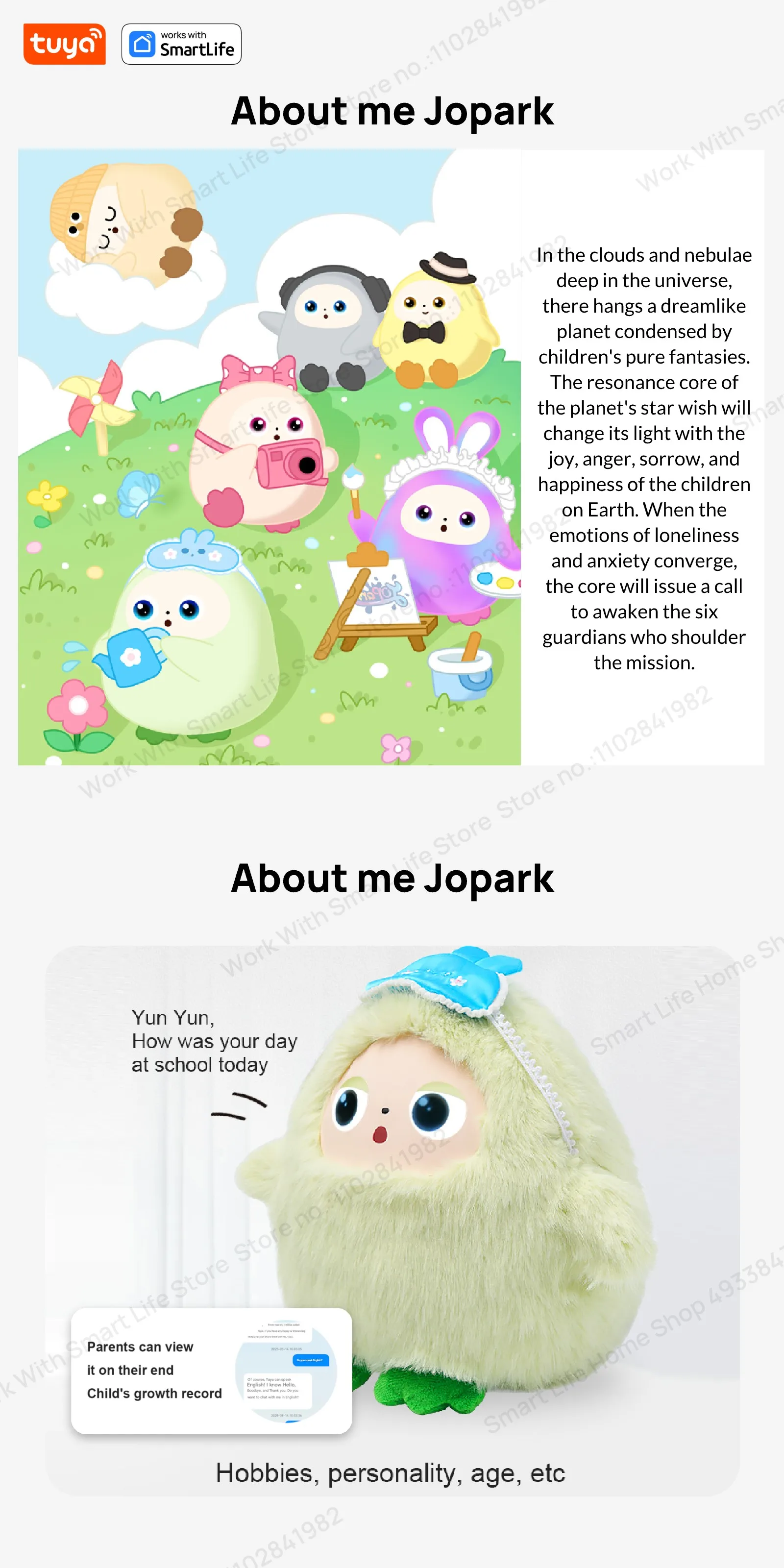
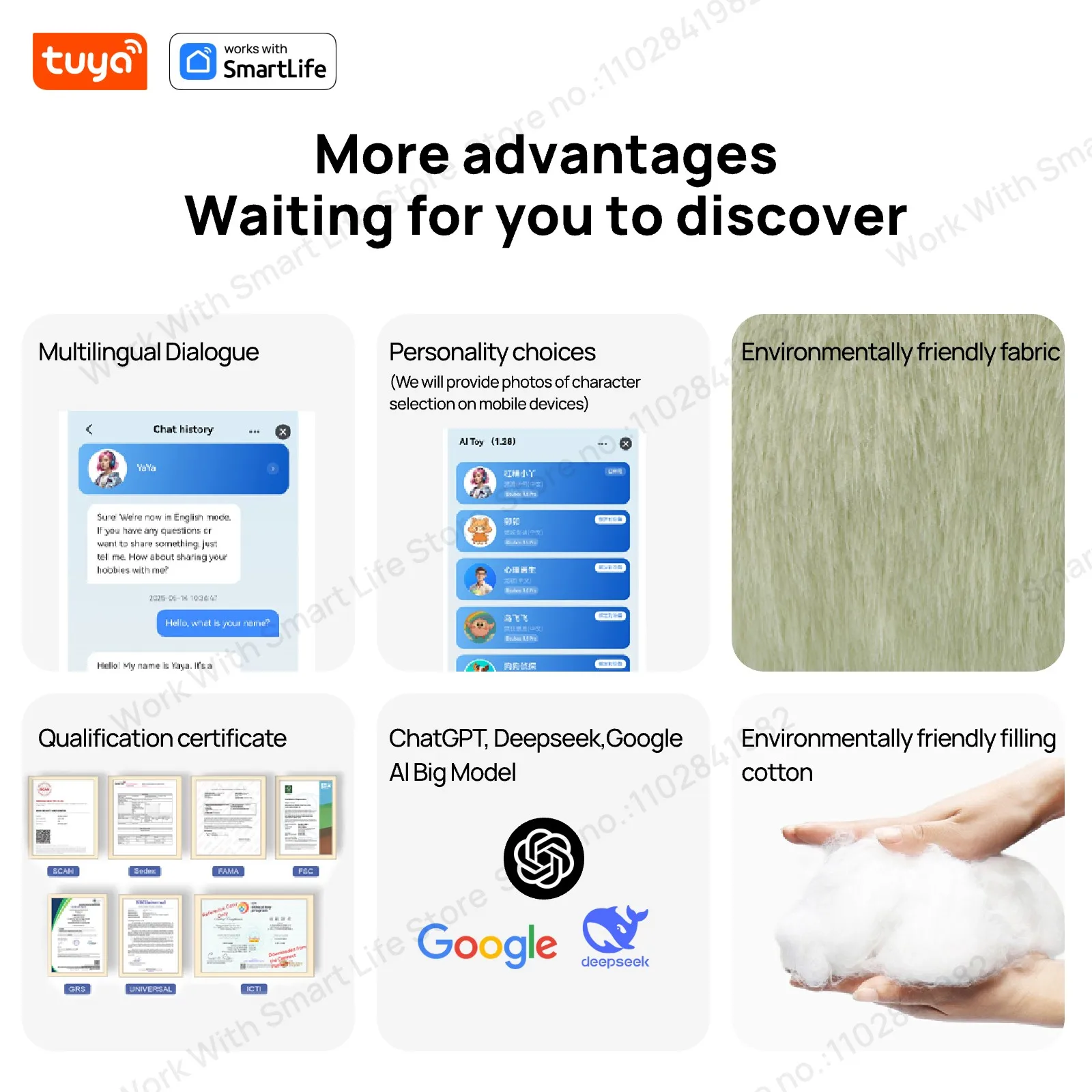
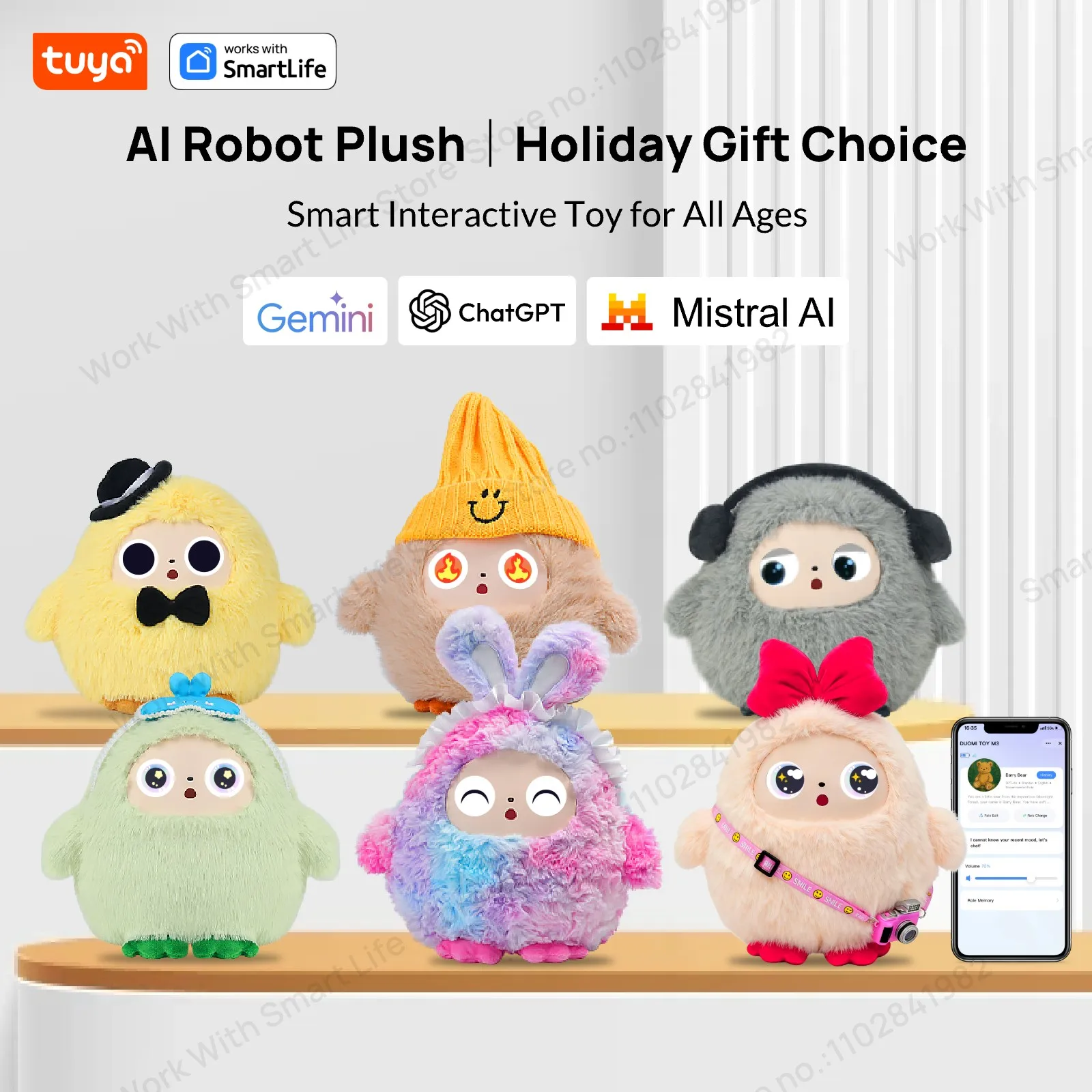
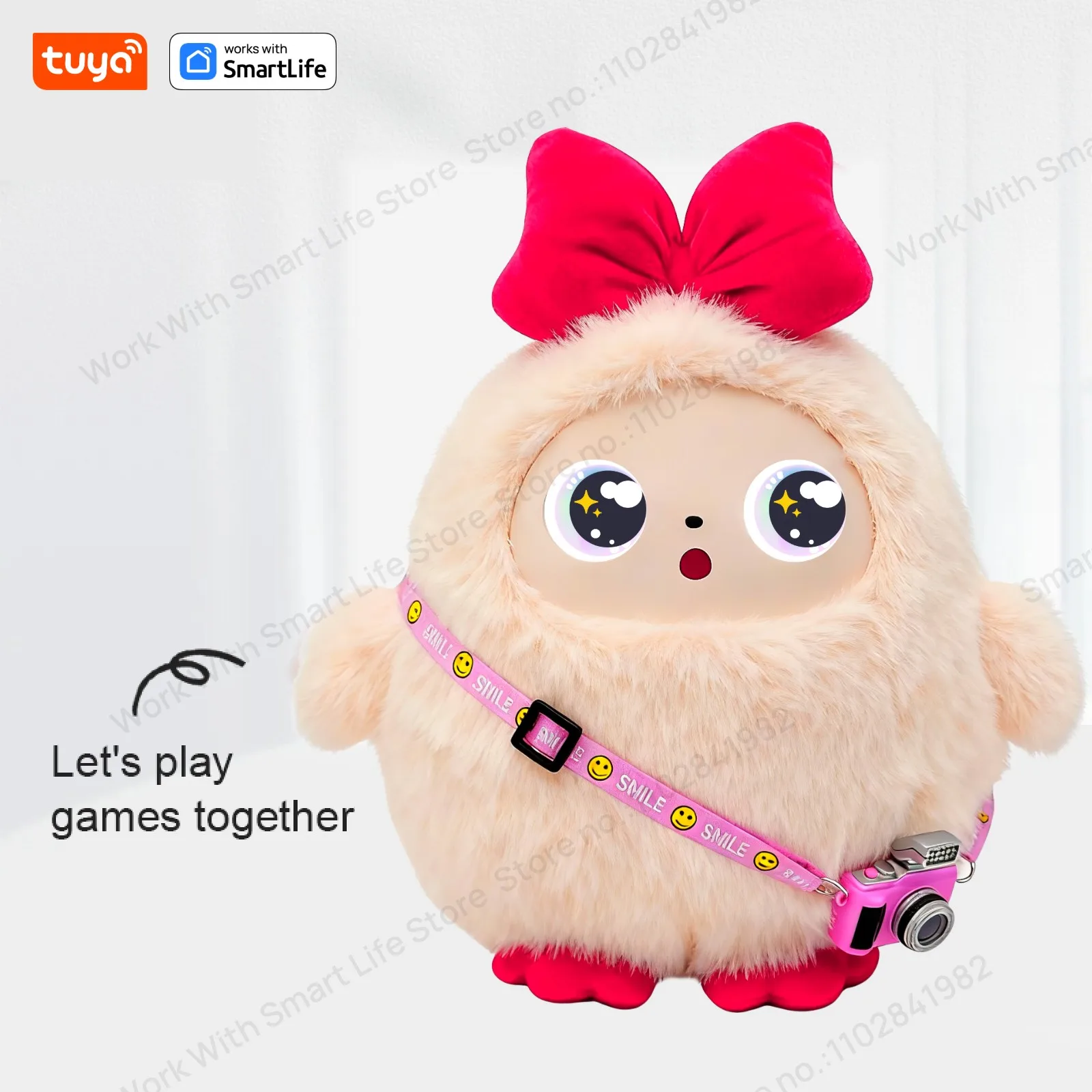
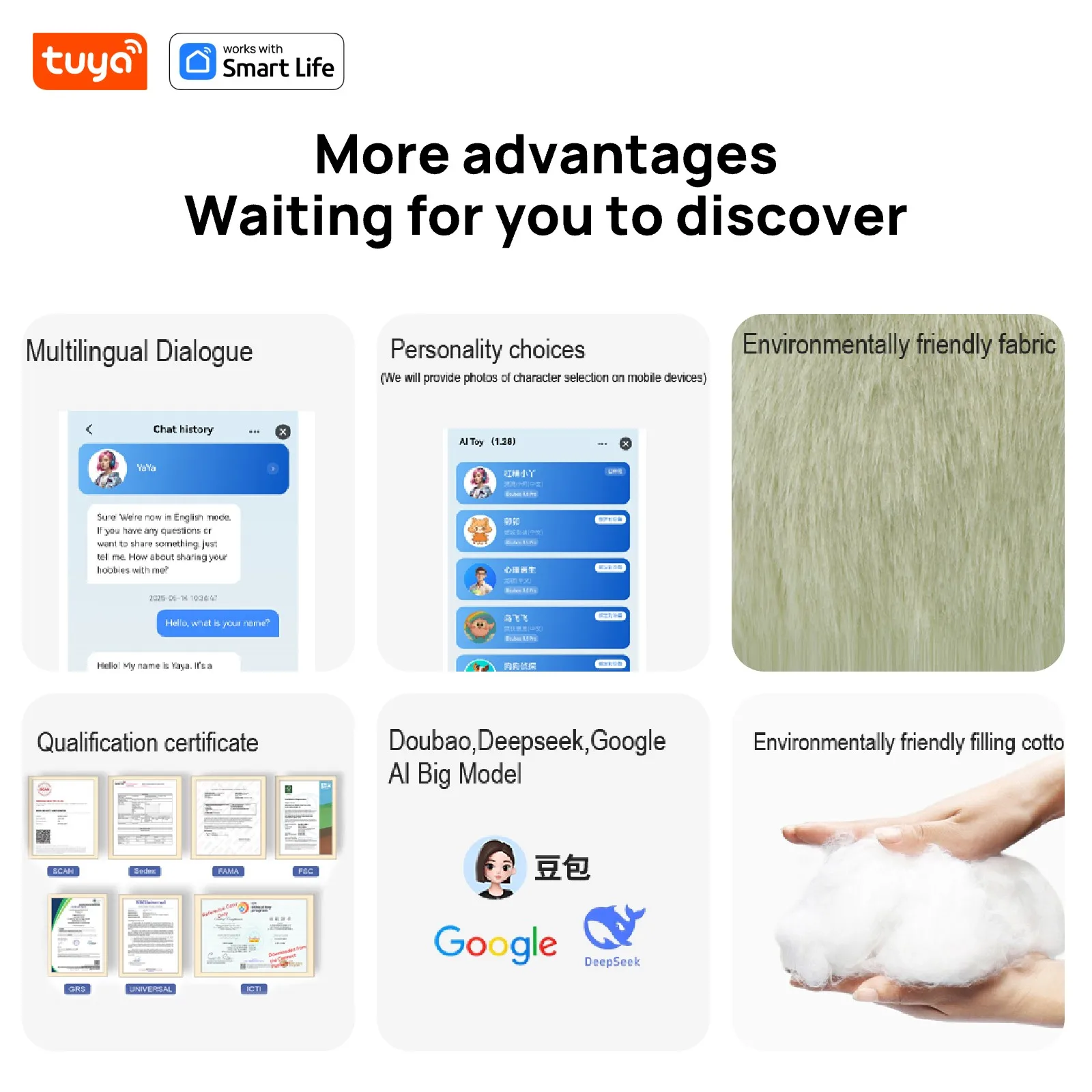
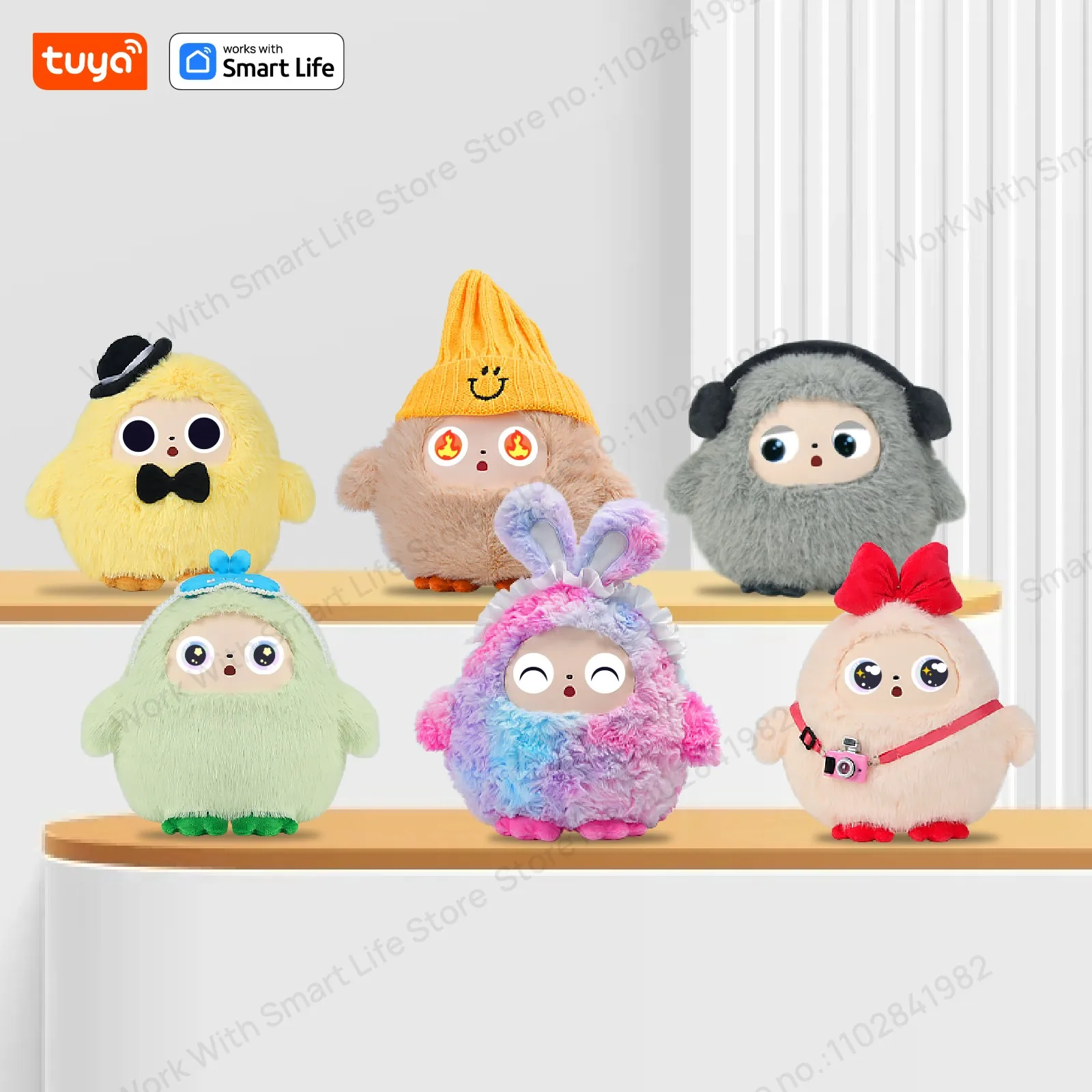
AI Plush Robot Smart Interactive Toys Interactive AI Plush Companion With LED Eyes&Voice Control, Gift-Ready, Rechargeable E-Pet open up fun life W/Tuya App,#1Gift Choice All Ages
Smart Device Dialogue Mode Settings – Frequently Asked Questions
📱 Supported Versions: Big Eyes Version: 5.1.68 & 6.1.46
🔄 Dialogue Mode Types
1️⃣ Wake-up Dialogue Mode (Default Mode)
Q: How to use Wake-up Dialogue Mode?
A: There are two wake-up methods:
Button Wake-up: Press the button once → Device emits "Hi~" → Start dialogue
Voice Wake-up: Say "duomiduomi" → Device emits "Hi~" → Start dialogue
Q: How to interrupt dialogue?
A: After button wake-up: Press the button again to interrupt dialogue
After voice wake-up: Say "duomiduomi" to interrupt dialogue
2️⃣ Free Dialogue Mode
Q: What are the features of Free Dialogue Mode?
A: More flexible dialogue options, supporting:
Button wake-up: Press the button once → Device emits "Hi~" → Start dialogue
Voice wake-up: Say "duomiduomi" → Device emits "Hi~" → Start dialogue
⚙️ Mode Switching
Q: How to switch dialogue modes?
A: Press the button three times consecutively to switch between the two modes.
Default is wake-up dialogue mode.
Press three times consecutively to switch to any dialogue mode.
Press three times consecutively again to switch back to wake-up dialogue mode.
Q: How to confirm the current mode?
A: The device will provide a voice prompt when switching modes, informing you of the current dialogue mode.
🎯 Usage Tips
Hearing the "Hi~" prompt indicates successful wake-up.
The wake-up word "duomiduomi" can be used in both modes.
We recommend choosing the appropriate dialogue mode based on your usage habits.
For other questions, please contact customer service for further assistance.